BOOX V3.1 Firmware Introduction Part Five
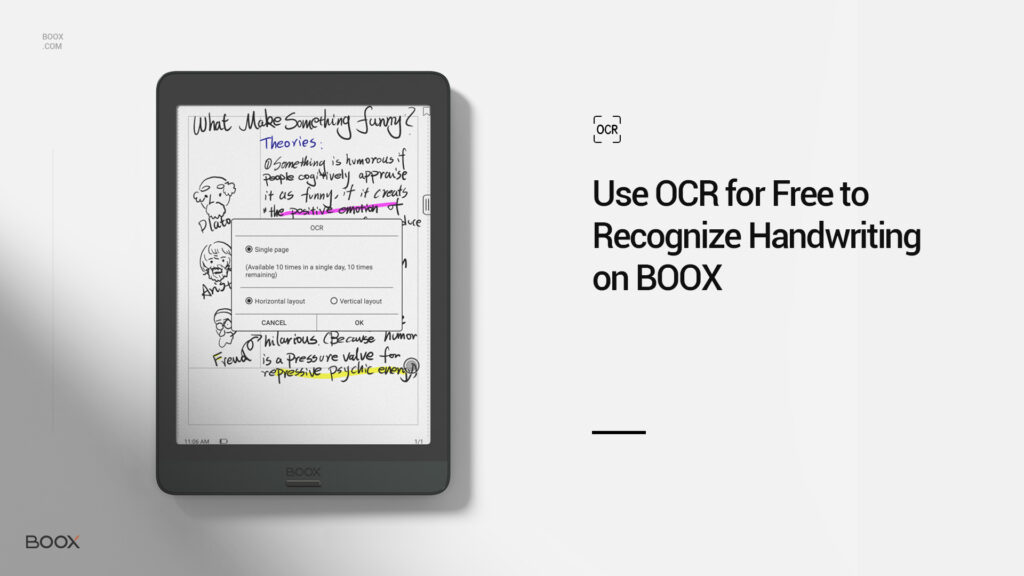
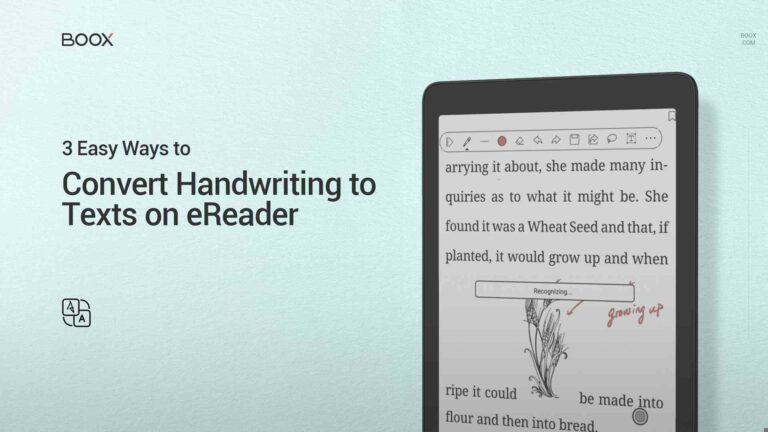
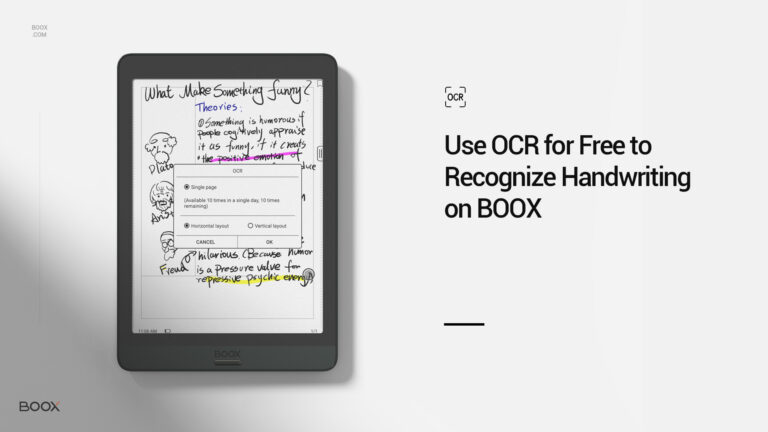
One of the most significant features of V3.1 Firmware is that NeoReader supports free Optical Character Recognition (OCR). This means BOOX users can use OCR to convert handwriting on the images to text. Moreover, the Text-to-Speech (TTS) makes OCR even more helpful.
1️⃣ Open a book in the NeoReader.
2️⃣ Tap the center of the screen of the three-line button on the floating toolbar to call out the top menu.
3️⃣ Tap the OCR button to recognize texts in the image.
You can configure the settings to adapt the recognition to your file layout.
4️⃣ Tap “OK” and there you go.
OCR is beneficial when your work/study content contains a lot of images with texts and handwriting. OCR can recognize and convert them into texts so you can copy and recognize them.
Moreover, BOOX supports Text-to-Speech (TTS) function for OCR texts. You can tap the TTS button to read out the converted texts. If you have challenges in reading texts in the images, OCT+TTS can be a handy feature.
When you log into your Onyx account on the BOOX device, you can use OCR 10 times a day for free. Without login, you can have 5 times for free.
🚩 A small tip: You can log into the account to use OCR 10 times and then log out to use it for extra 5 times. To sum up, OCR on BOOX is available 15 times a day for free.

Awesome! Share this post to
If you’re new to BOOX products, you’re welcome to join our Facebook fans group to learn the tips & skills of using BOOX tablets and what the experienced users love about BOOX🧡.
Awe-some! Share This Post to
Copyright ©2020 Onyx international Inc. All rights reserved.