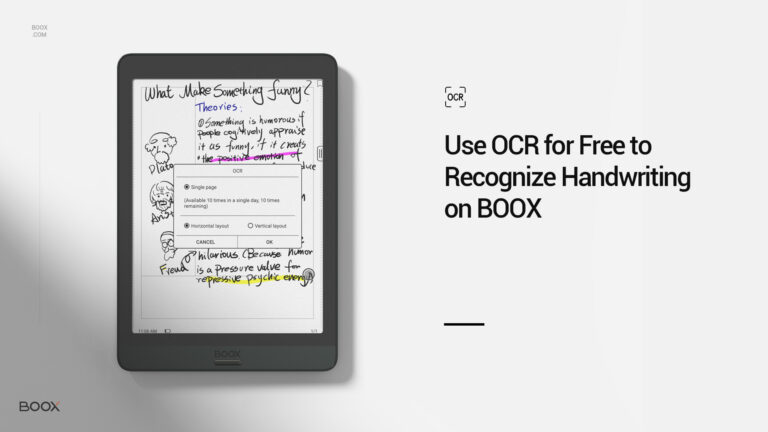
As many BOOX users acquire more than one language, a functional digital dictionary can help them pronounce, understand, and memorize new words.
If you’re familiar with BOOX tablets, you must know two ways of adding dictionaries to your BOOX: download them from our cloud space or sideload them into your device manually.
However, during these processes, two problems will come up: The cloud dictionaries are too limited in options. And sideloading can take a century sometimes because some dictionaries are extremely large in size.
Moreover, both cloud and sideloaded dictionaries are not flexible enough to paraphrase trendy phrases, coined words and new slangs.
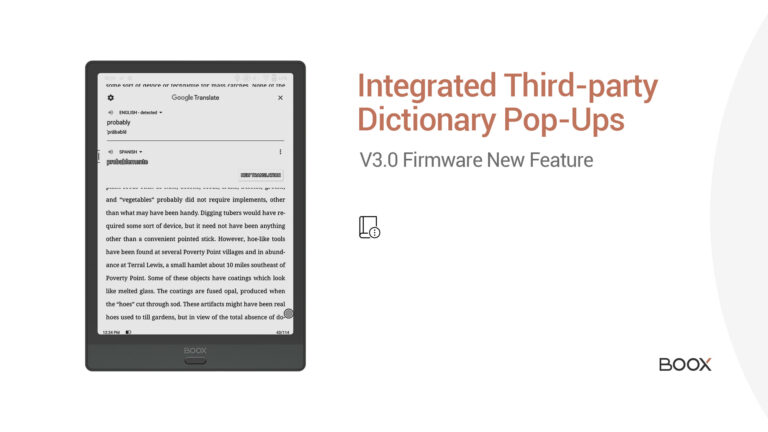
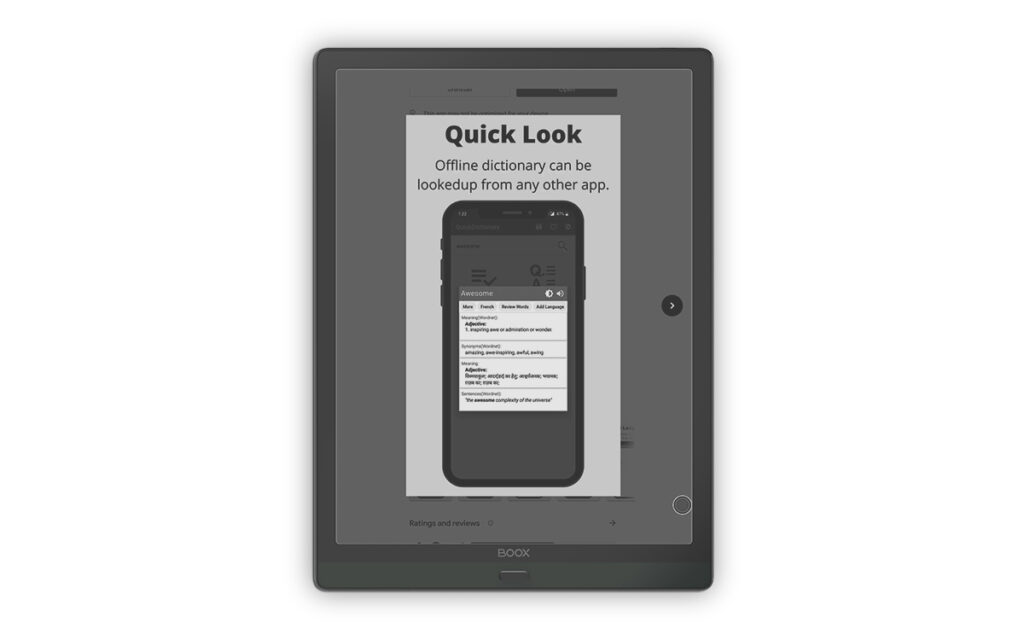
If only I could check out the words in third-party app dictionary apps directly, users think.
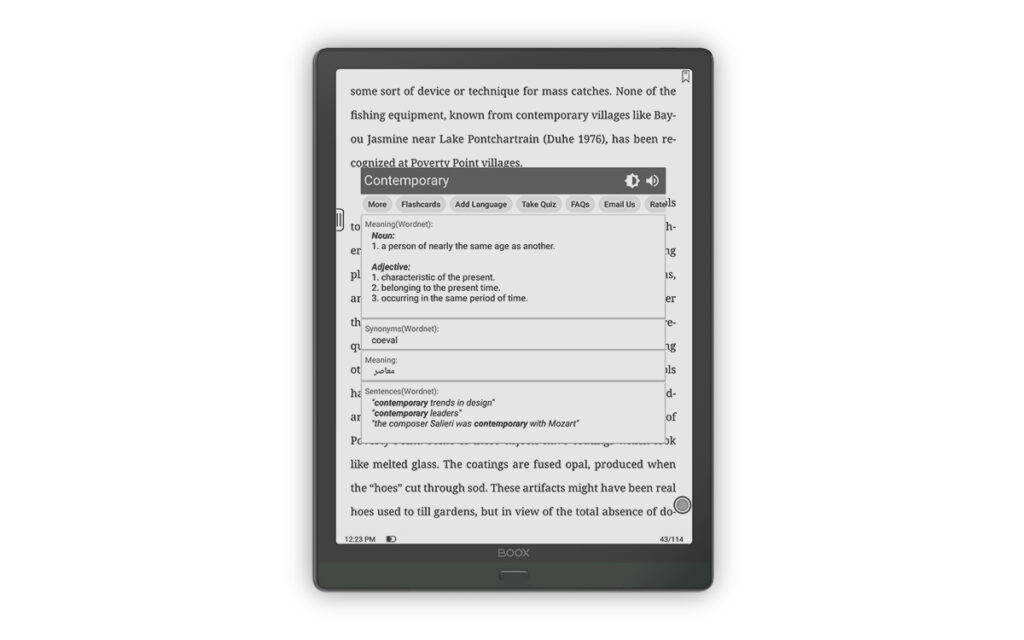
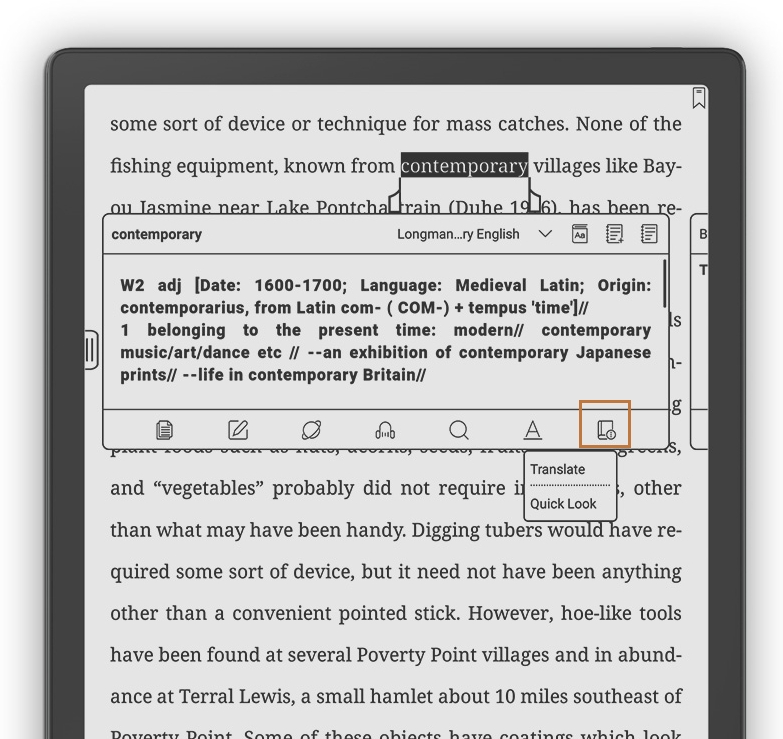
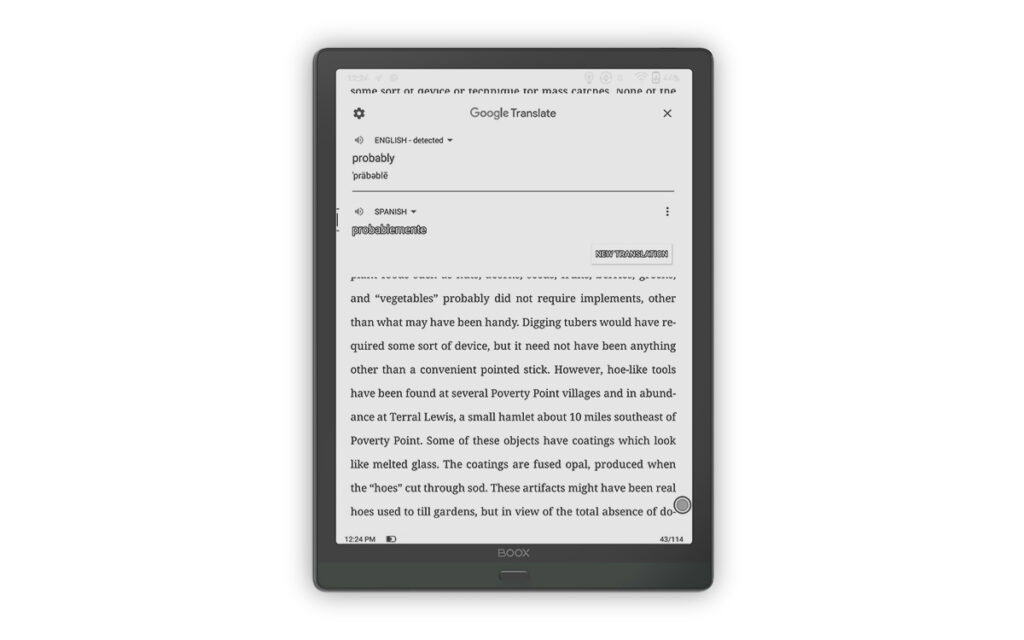
To make our users look up to dictionaries more effectively, we integrate the third-party dictionary apps into the NeoReader since the V3.0 firmware. Let’s see how to use them in steps.

 .
.